Data Gateway Console (5501)
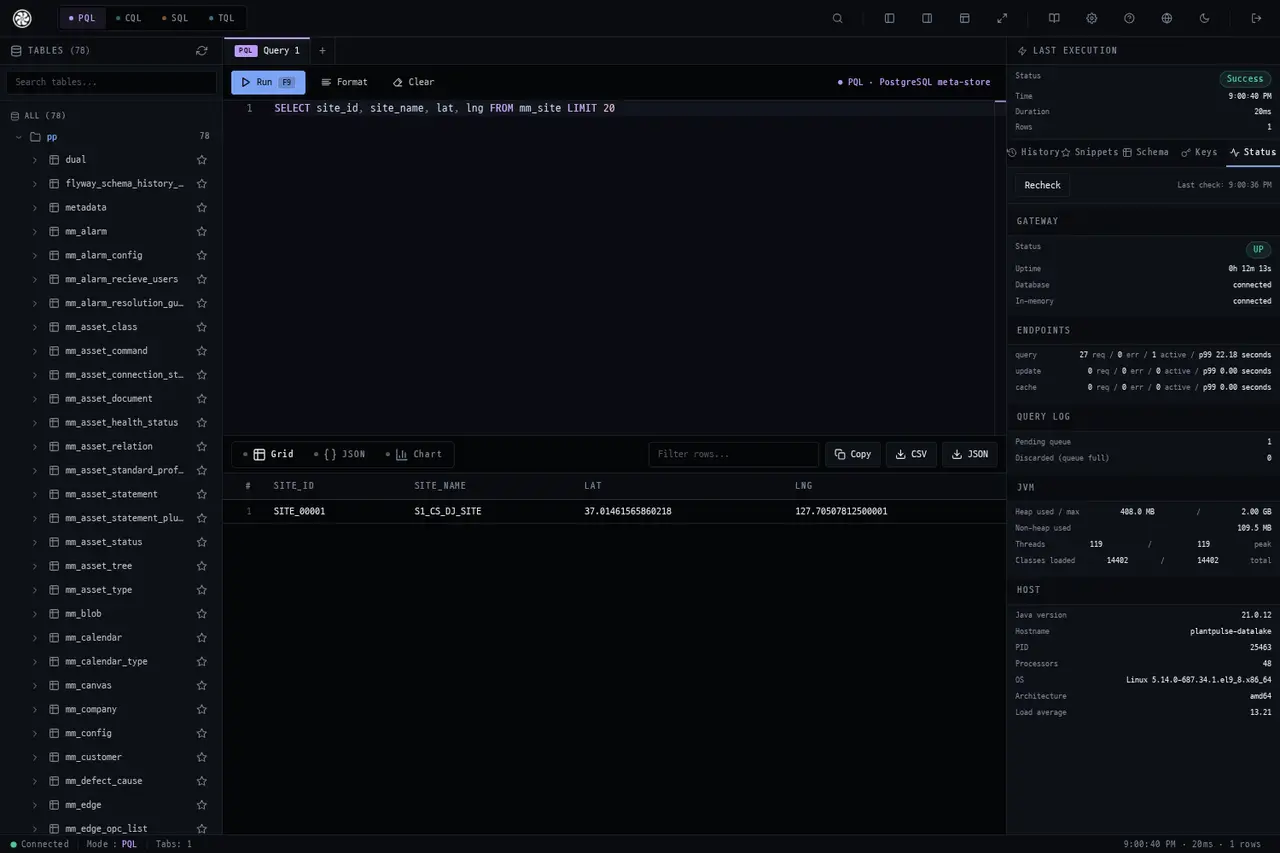
This is a console for querying the data lake directly from your browser. Instead of installing a separate client for each storage engine, you can choose from four query languages on a single screen.
| Item | Value |
|---|---|
| Address (TLS) | https://<server-ip>:5501/ |
| Login | PP_DATA_GATEWAY_WEB_USER / PP_DATA_GATEWAY_WEB_PASSWORD |
| Alternative access | Admin Console → Tools screen, Data Gateway card |
There is a Java client that connects to the same gateway → Data Gateway Client
Screen
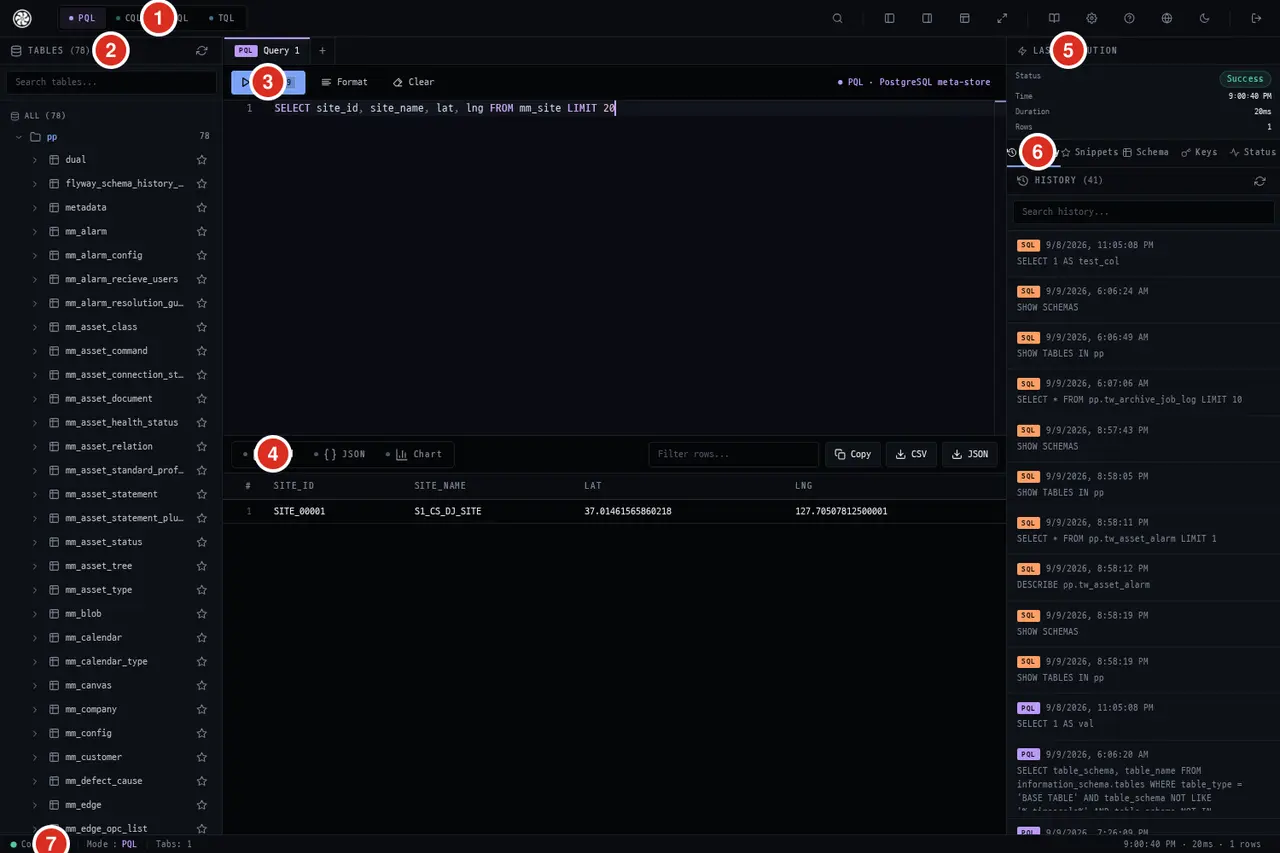
| Number | What |
|---|---|
| ① | Query Mode — PQL · CQL · SQL · TQL. Selecting one routes to that language's engine |
| ② | Table List — all tables in the schema visible to the current mode. Searchable and can be favorited |
| ③ | Editor — Run(F9) · Format · Clear. Tabs let you keep multiple queries open |
| ④ | Results — view in three formats: Grid · JSON · Chart, and download via Copy · CSV · JSON. A row filter is available separately |
| ⑤ | Last Execution — success/failure · time · duration · row count |
| ⑥ | Right Tabs — History · Snippets · Schema · Keys · Status |
| ⑦ | Bottom Bar — connection status · current mode · open tab count, with a summary of the last execution on the right |
The Four Modes — What to Ask in Each
| Mode | Backed By | Use When |
|---|---|---|
| PQL | PostgreSQL meta-store | Master data such as assets, tags, and alarm settings (mm_*) |
| CQL | Aster TSDB | Raw time series and aggregations (tm_*) |
| SQL | Spark | Lakehouse and large-scale analytics |
| TQL | Time Series Engine | Time-window aggregations and gap filling |
Switching modes updates the left table list accordingly. The current mode is shown both to the right of the editor («PQL · PostgreSQL meta-store») and in the bottom bar.
Right Tabs
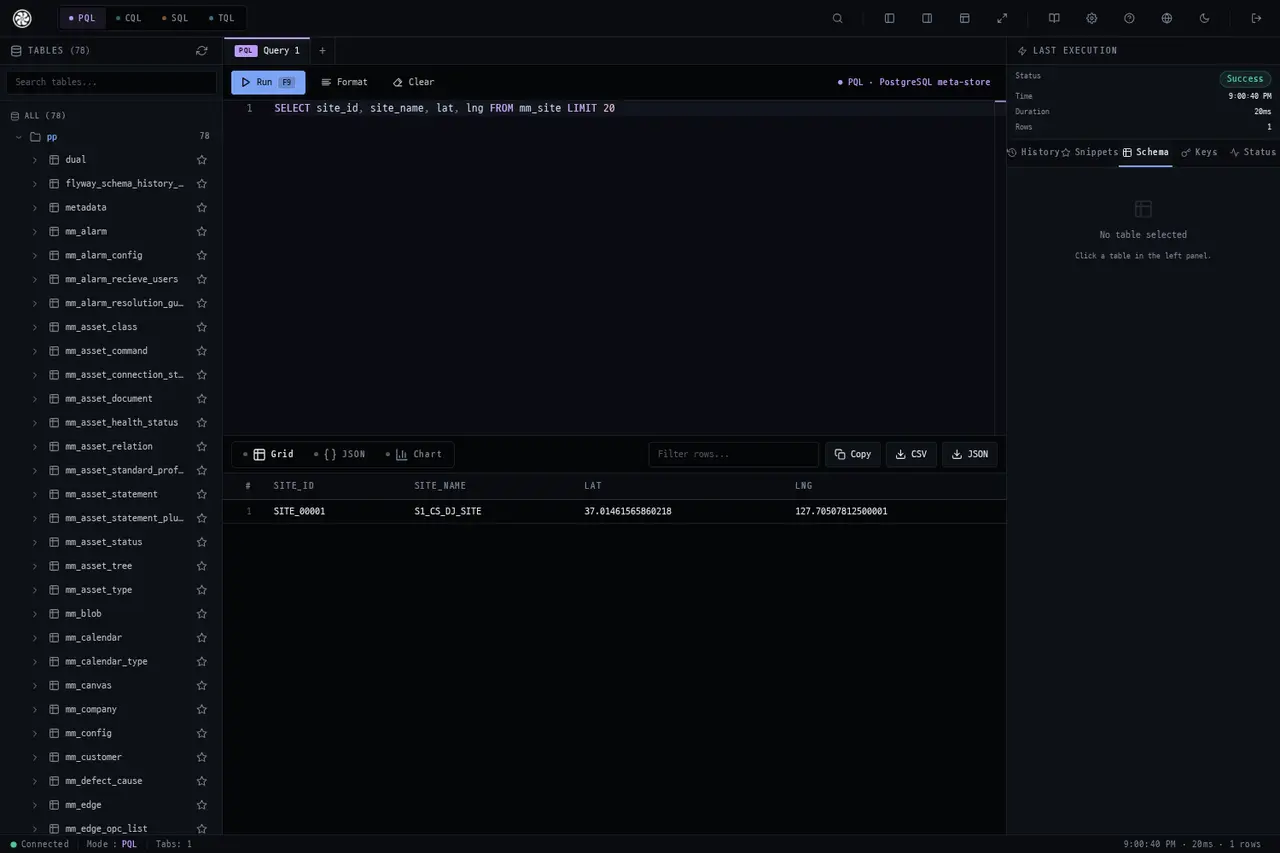
Schema — Expand to view the tables and columns for the current mode. No need to memorize table names.
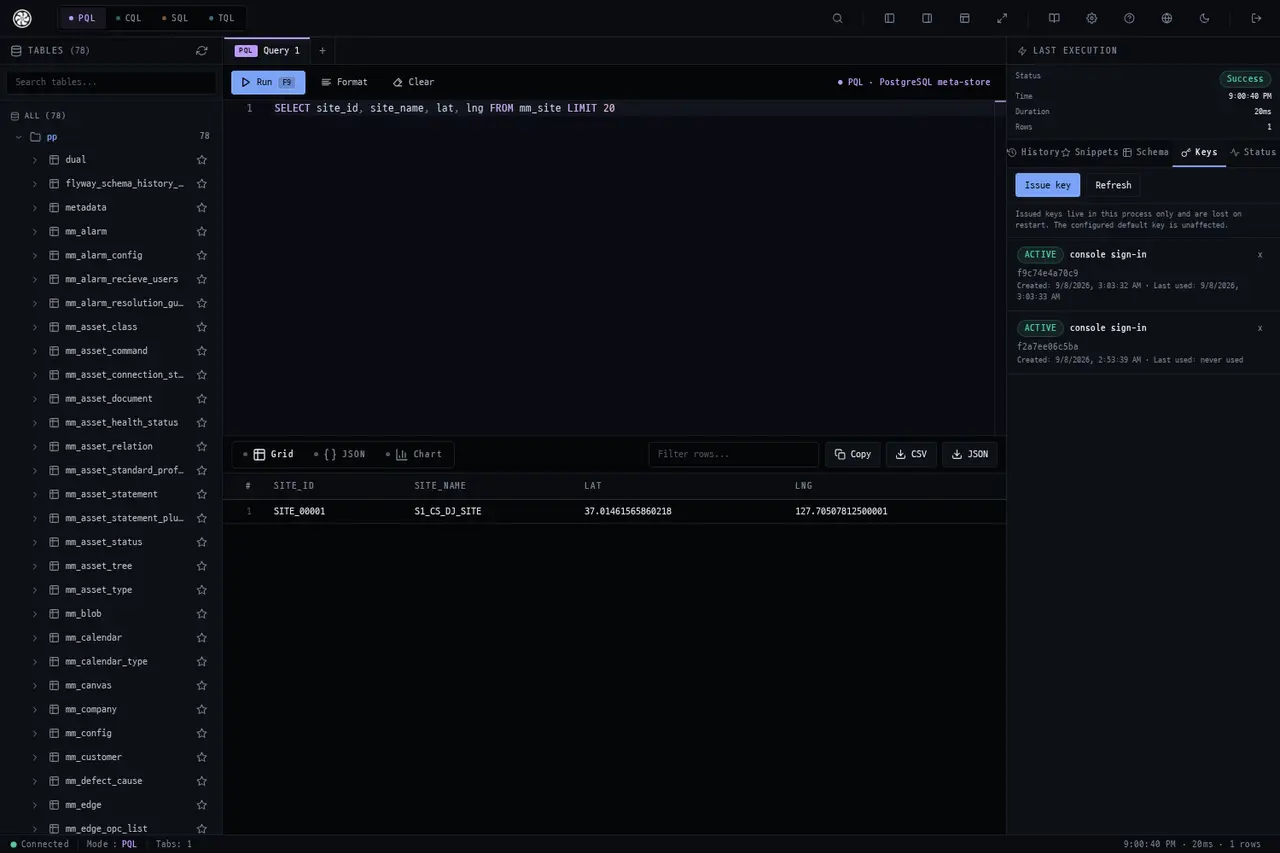
Keys — View partition keys and clustering keys. In Aster TSDB, whether a query can run is determined by the keys — check this tab before adding ALLOW FILTERING.
History — Your executed queries accumulate here with mode indicators. Searchable, and click to re-run.
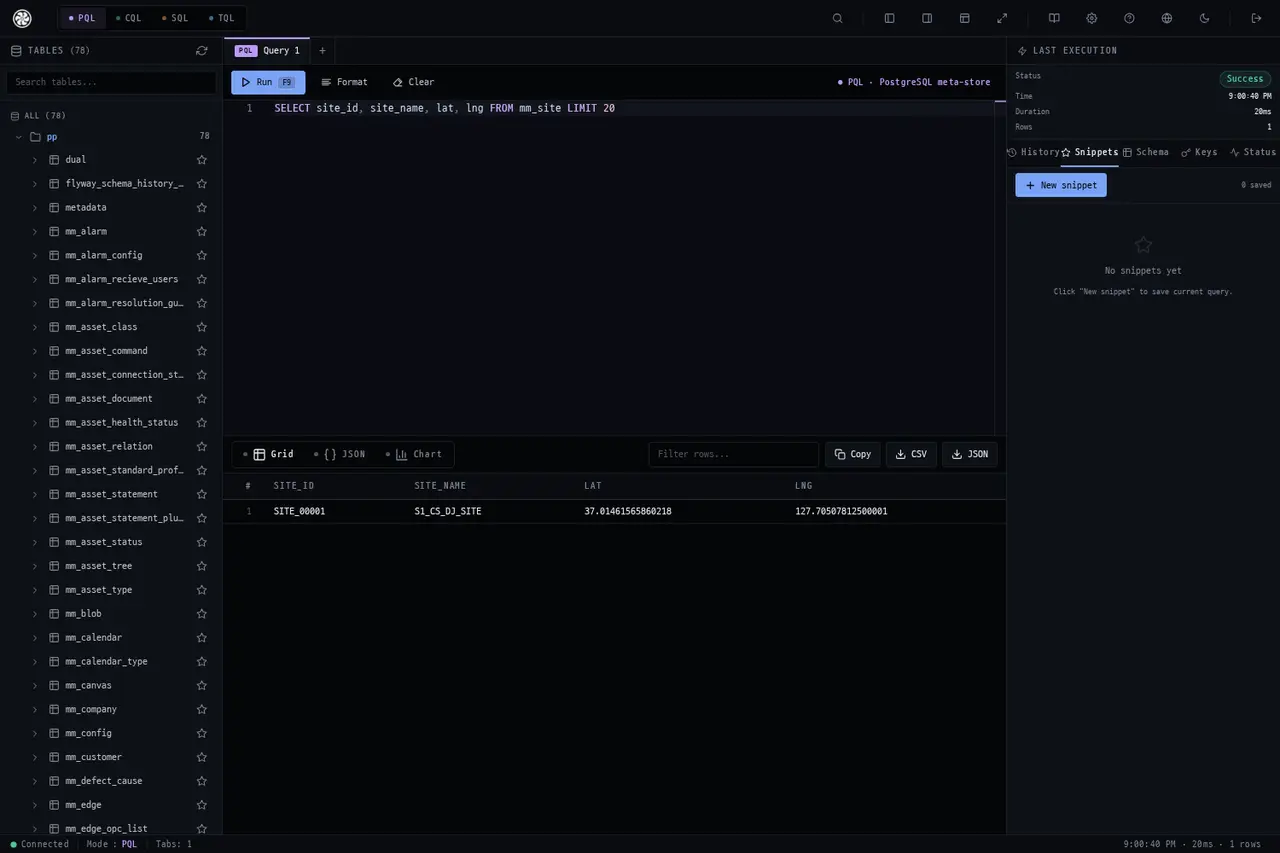
Snippets — Save frequently used queries.
Status — Connection status of the gateway and its back-end engines.
CQL Mode
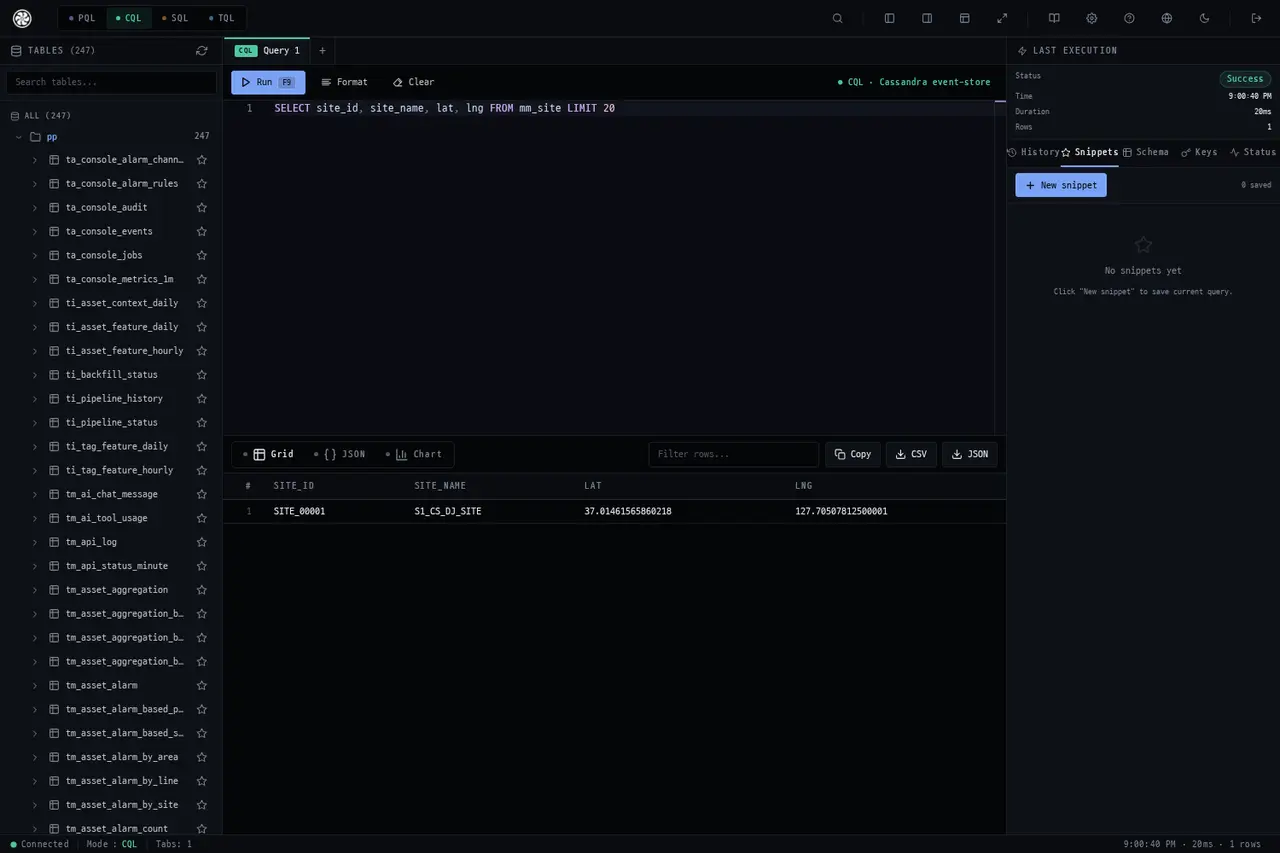
The partition key is the axis of lookup. To filter on a column that isn't part of the key, the query requires a full-node scan (ALLOW FILTERING), which is dangerous on a production cluster.
For why there are 104 tables and which keys are used, see the
Database Model.
What the Gateway Rejects
Because the console runs on the gateway, it inherits the gateway's restrictions.
- DDL — statements that change the schema
- Multiple statements in one request
- TQL updates
Do not use this path for schema changes → Changing Settings
See Also
Time Series Analyzer (7801) · Data Gateway Client · Database Model